
JSX was introduced in 2013 with the release of React, a JavaScript library created by Facebook for building user interfaces, it stands for JS XML commonly used in React projects, and allows you to use HTML-like markup inside a JS file, making it easier to create and manipulate UI components. JSX is then transpiled into regular JavaScript, making it a powerful tool for building dynamic and interactive user interfaces in React applications.
Example of using JSX in react projects
In this images below I’ll show an example of the same component using JSX and React JS.


Pros and Cons of Using JSX in React Projects
Pros
1. Improve readability and maintenance
JSX allows you to write components that are similar to HTML, making the code more intuitive.
2. More declarative syntax
JSX allows you to describe what the UI should look like in a more declarative way. This means that you can focus on what you want to achieve with the UI, making the code more predictable and easier to debug.
3. Integration with Javascript
Allows the use of javascript directly on the markup.
4. Promotes reusability
JSX promotes reusability of components, which can help to create a more modular and maintainable codebase.
5. Rich ecosystem and strong community
JSX is well supported within the react ecosystem and is widely used and supported with resources, help, tutorials in the react community as well. This one is great if you need some help to learn or find problems you’re having with your application.
Cons
1. Learning curve
New syntax can be difficult for beginners, especially those unfamiliar with JavaScript or combining markup with logic.
2. Requires a build step
The JSX is not a valid Javascript code and needs to be transformed into Javascript using tools like the javascript compiler Babel (*).
(*) – Babel is a toolchain that is mainly used to convert ECMAScript 2015+ code into a backward-compatible version of JavaScript
3. Potential for disaster
Mixing HTML and Javascript can lead to some problems if not managed properly. For example, inline stylings, conditional renderings and event handling can lead to extremely complex components if these parts are improperly maintained.
4. Performance
Even if the performance impact of JSX is negligible for most applications, it adds a step in the development process (transformations of JSX to normal Javascript). In large applications, it can impact the build time.
5. HTML versus JSX differences
In the next chapter we’re going more in-depth exploring these differences
Differences between JSX and HTML
HTML and JSX (JavaScript XML) are both used to define the structure and layout of web pages, but they are fundamentally different.
1. Syntax Differences
JSX looks similar to HTML but allows developers to write HTML-like code directly within JavaScript files. It combines the power of JavaScript with the readability of HTML. JSX is not valid JavaScript or HTML and it needs to be transpiled.
2. Attributes and Properties
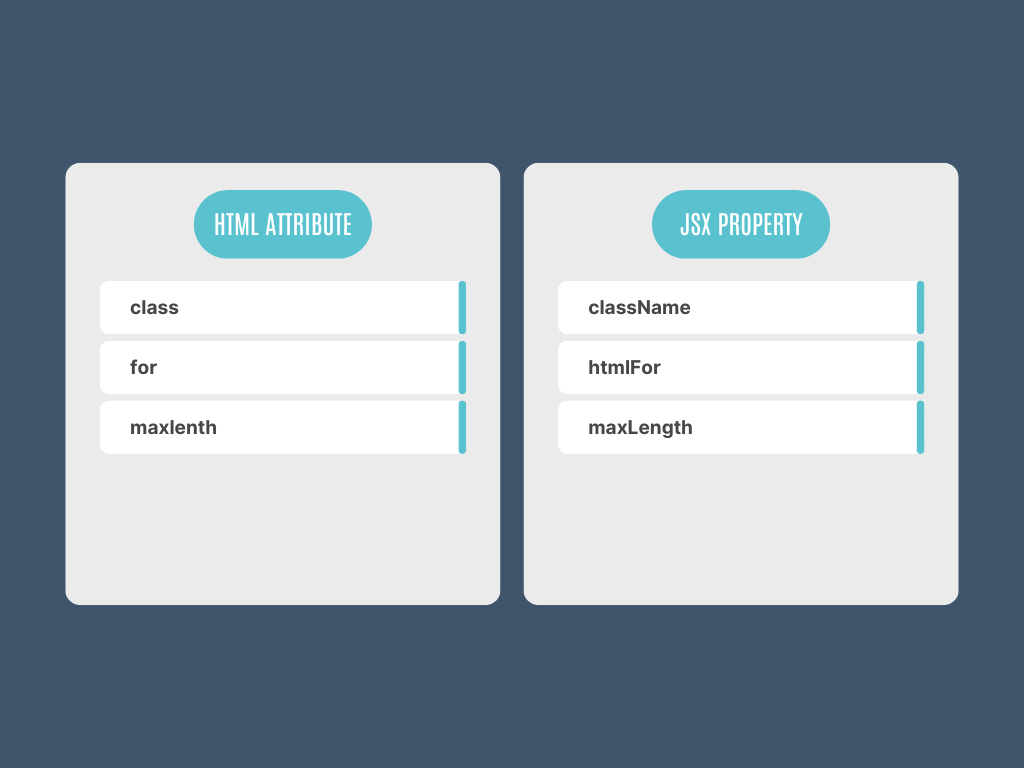
HTML attributes are used to define properties of HTML elements, in JSX the properties follow the camelCase to align with the Javascript conventions. Properties that start with data- or aria- are written the same way as in HTML.
Style attributes in HTML are strings (style="color: green;"), but in JSX, they are objects (style={{ color: 'green' }}).
3. JavaScript Expressions
In HTML to use Javascript you need to use the <script> tag, JSX allows embedding of Javascript directly on the markup by using the curly braces {}.
4. Conditional Rendering
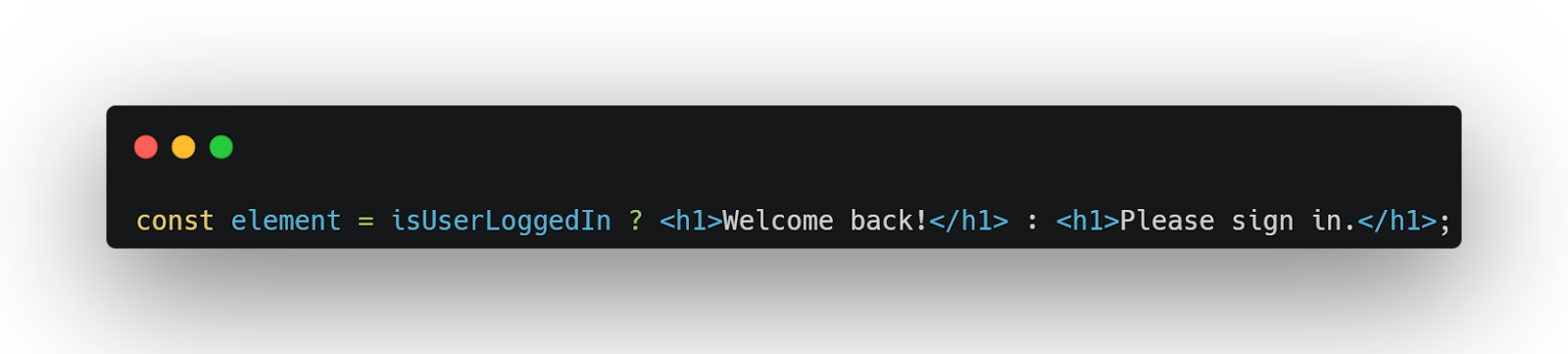
HTML doesn’t have built-in support for conditional rendering, you’ll need to use server-side logic or javascript. JSX allows conditional rendering using javascript expressions such as the use of ternary operators.
5. Handling Events
HTML uses events like onclick, onmouseenter, etc., with inline Javascript or referencing a function name. In JSX the handlers are written in camelCase and are passed as functions.
6. Self Closing tags
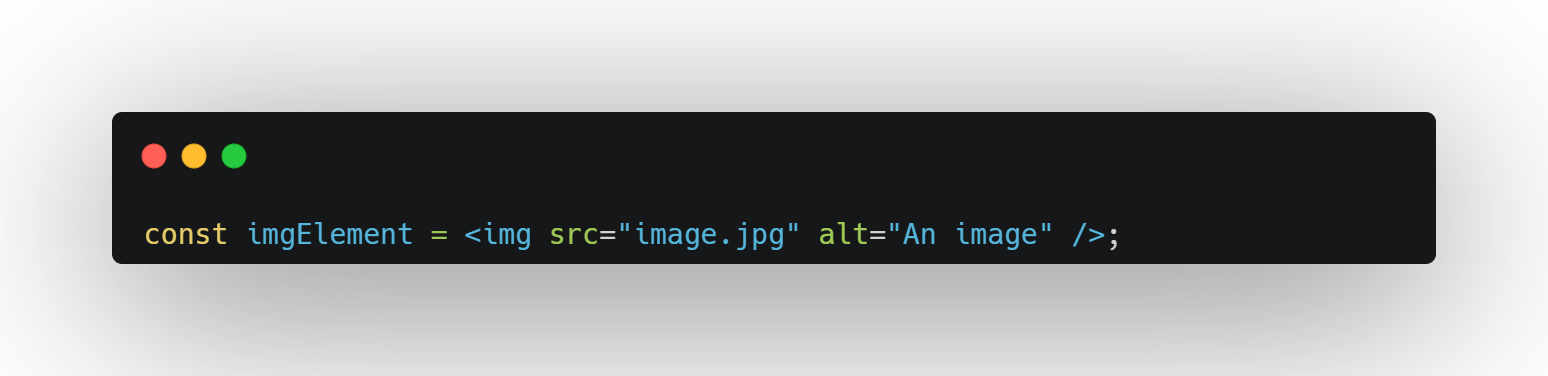
In HTML tags like <img>, <br>, etc., do not require a closing tag. In JSX all elements need to be properly closed, even the void ones (elements that cannot have child nodes). This means that tags like <img />, <br /> and <input /> need a self-closing syntax.
7. Comments
Comments in HTML are done by using <!-- Comment -->, in JSX used javascript comments like single line // Comment or multiple line comments /* Comment */.