A New Initiative
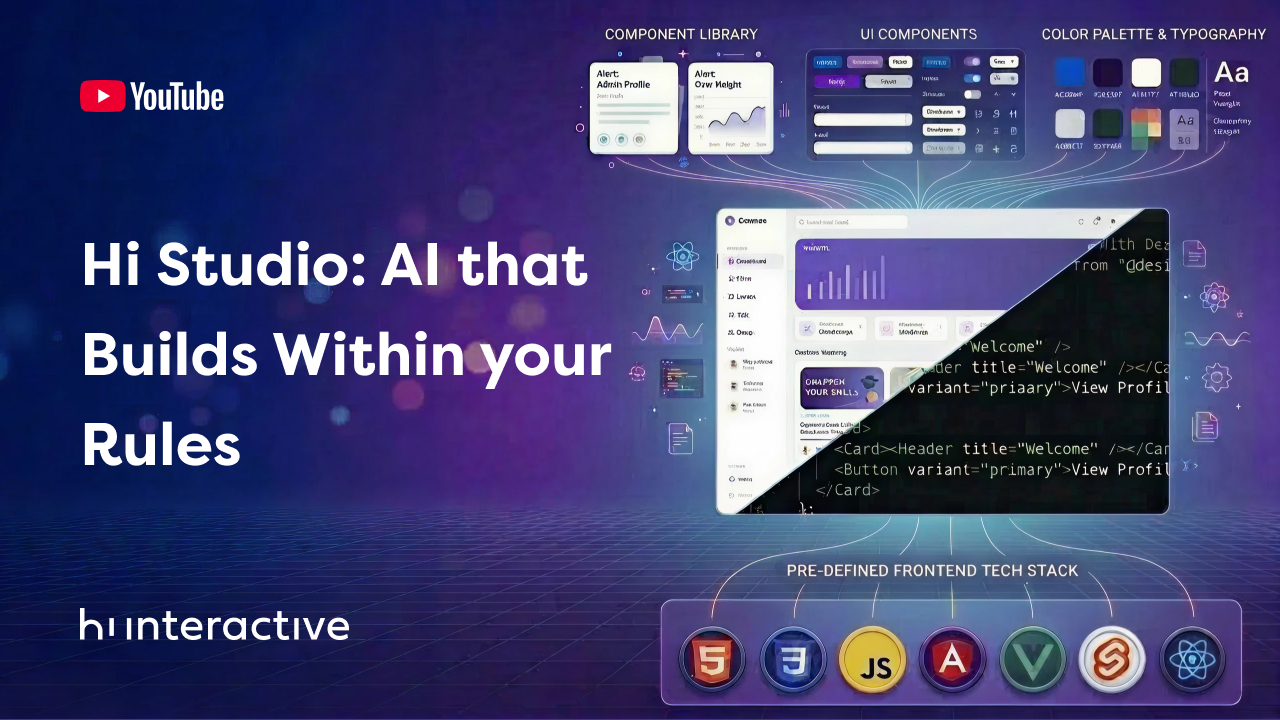
At the beginning of this year, Hi Interactive brought together a team of developers to create a specialized AI agent. The goal was to explore how Artificial Intelligence can improve our development processes and provide better solutions for our clients.
The Specialist: An Automated Front-End Designer
This initiative was created specifically for OutSystems. Building on this foundation, our team developed an AI agent that functions as an automated designer.
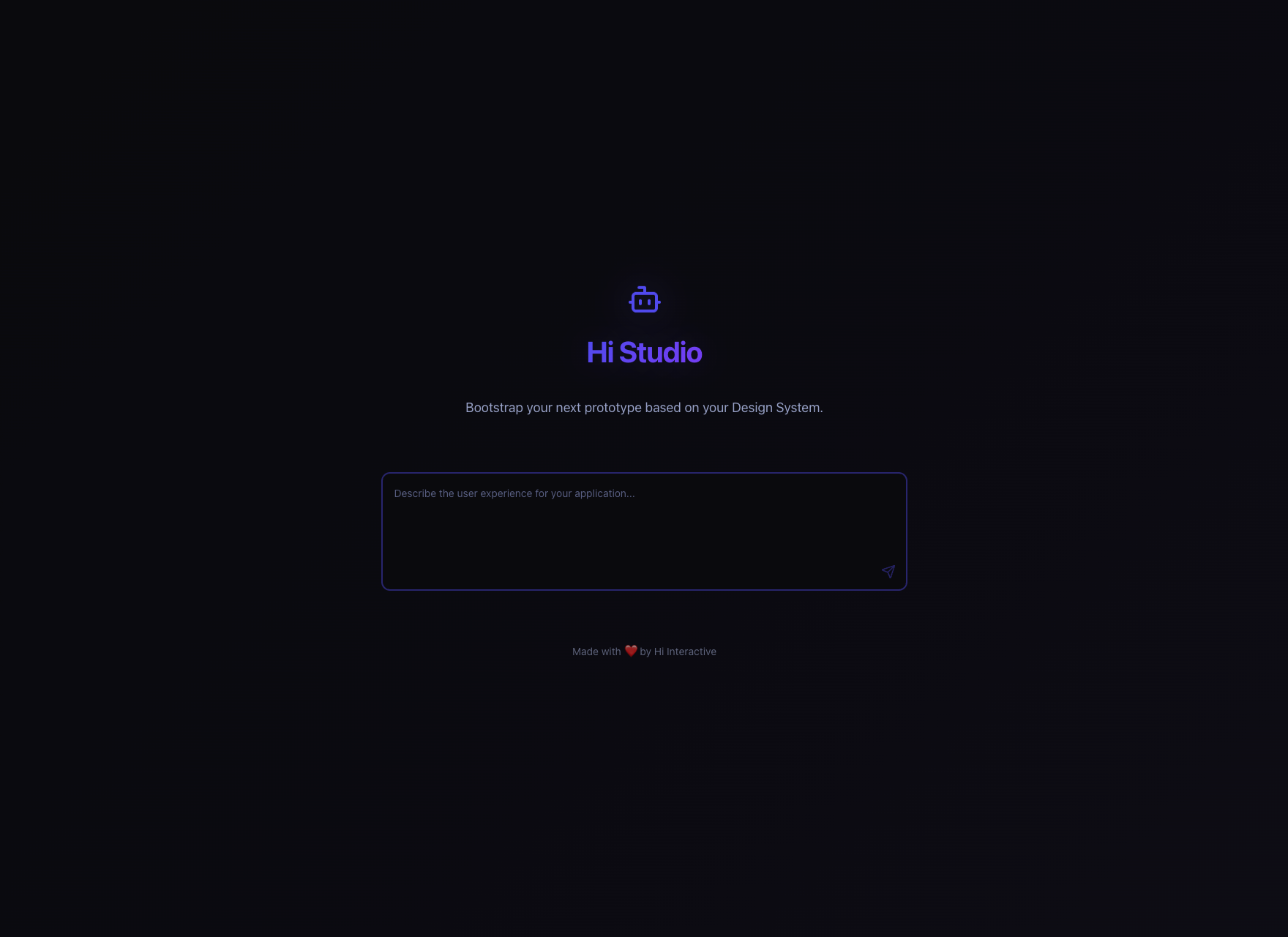
While many AI tools are general-purpose, this solution is a Front-end specialist focused specifically on CSS. It transforms natural language requests such as “change the background color” into instant code, updating a website’s appearance in real time.

The Goal: Supporting OutSystems Developers
The primary reason we created this agent was to support OutSystems Front-end developers. We wanted to provide a faster, more efficient way to generate CSS code for styling websites. By using this AI, developers can quickly apply visual changes, reducing the time spent on manual coding, and allowing them to focus on building better user experiences.
Refined Section: Training through Technical Guidelines
To ensure the AI agent provides high-quality results, we trained it using strict CSS style guidelines based on the OutSystems UI framework. Instead of generating generic code, the agent is instructed to prioritize the use of OutSystems CSS variables and utility classes. These instructions act as the “brain” of the agent, ensuring it adheres to specific engineering standards and framework conventions automatically, without requiring manual guidance for every request.
The agent follows these core directives:
- Strict OutSystems Compatibility: The agent is programmed to use the exact CSS classes and structures required by the OutSystems UI Framework. It knows that a “Header” is .header and a “Primary Button” is .btn.btn-primary.
- Design Token Mastery: We instructed the AI to never “invent” colors or sizes. It must always prioritize Official Design Tokens (like
--color-primaryor--space-m). This ensures the website remains consistent and easy to maintain. - Automatic Accessibility: The agent is required to maintain high contrast and clear focus states. It ensures that any visual change, like a new button color, is still easy to see and use for everyone.
- State Awareness: The AI doesn’t just style a static element. it automatically generates code for Hover, Focus, and Disabled states. This means the website feels interactive and professional right out of the box.
- Predictive Decision Making: We taught the agent to be “deterministic.” If a request is vague, the agent follows a priority list to make the best technical choice instead of asking the user follow-up questions.
The Purpose of the Backoffice
To make this tool successful, we needed a way to track how clients use it. This is why building a Backoffice was essential. By watching how the agent behaves and storing data, such as the prompts used and the CSS generated, we can see exactly what it still needs to learn. This monitoring allows us to check the agent’s performance, see where it succeeds, and understand its mistakes based on real user feedback.

The Challenge: Using AI to Build for AI
The main goal of this project was to gain hands-on experience by building a full Backoffice using only AI. I used the Antigravity code editor to lead the AI in building the entire system from scratch, acting as the “orchestrator” of the process.
Project Scope: I directed the AI to develop a complete system, which included:
- Data Connection: Setting up a smooth connection with Supabase to store and sync data in real-time.
- Monitoring Hub: Creating a central place to track client questions and AI answers side-by-side.
- Dashboards: Designing an interface to view key metrics, such as identifying active users, checking feedback on accuracy, and filtering usage data by date.
Our Benchmarks: This project was a “stress-test” to see if AI could be a true partner in development. We focused on three things:
- Understanding: Can the AI turn a simple idea into working code?
- Speed: Is developing with AI faster than doing it manually?
- Accuracy: Is the AI code correct and safe when the tasks are difficult?

Key Advantages: Speed and Autonomy
Using AI in our work provided several clear benefits:
- Smart Organization: The AI was excellent at organizing the project. It created the folder structures, the app components, and the database setup on its own.
- Faster Delivery: We finished the project much sooner. Tasks that usually take weeks were done in just a few days.
- Logical Intuition: Even with simple instructions, the AI understood the goal and filled in the technical details.
- Clean Design: When I asked for a “professional” look, the AI used modern design rules to create a simple, clear dashboard.
Main Challenges: Dependency and Human Review
Despite the speed, we found some important obstacles:
- The “Token” Limit: We depend on AI credits (tokens). If we run out, work can stop for days. This creates a high dependency on the tool’s availability to solve hard technical issues.
- The Accuracy Gap: AI is not perfect. Some parts needed several tries and careful human checking to be 100% correct.
- Missing Details: In deeper parts of the system, like database security, the AI sometimes missed details that an experienced developer would catch immediately.
Conclusion: The New Paradigm
This experience proves that AI is a powerful tool to help us work faster, especially for developers using platforms like OutSystems. Beyond this project, AI helps by ending boring, repetitive tasks and acting as a real-time teacher for new techniques.
However, AI does not replace human judgment. The future of engineering is not about choosing between a human or a machine. Instead, it is about collaborative intelligence. By mastering these tools, we can build better products with much higher efficiency.